一行命令本地部署Qwen3.5与OpenWebUI
一行命令即可开始聊天
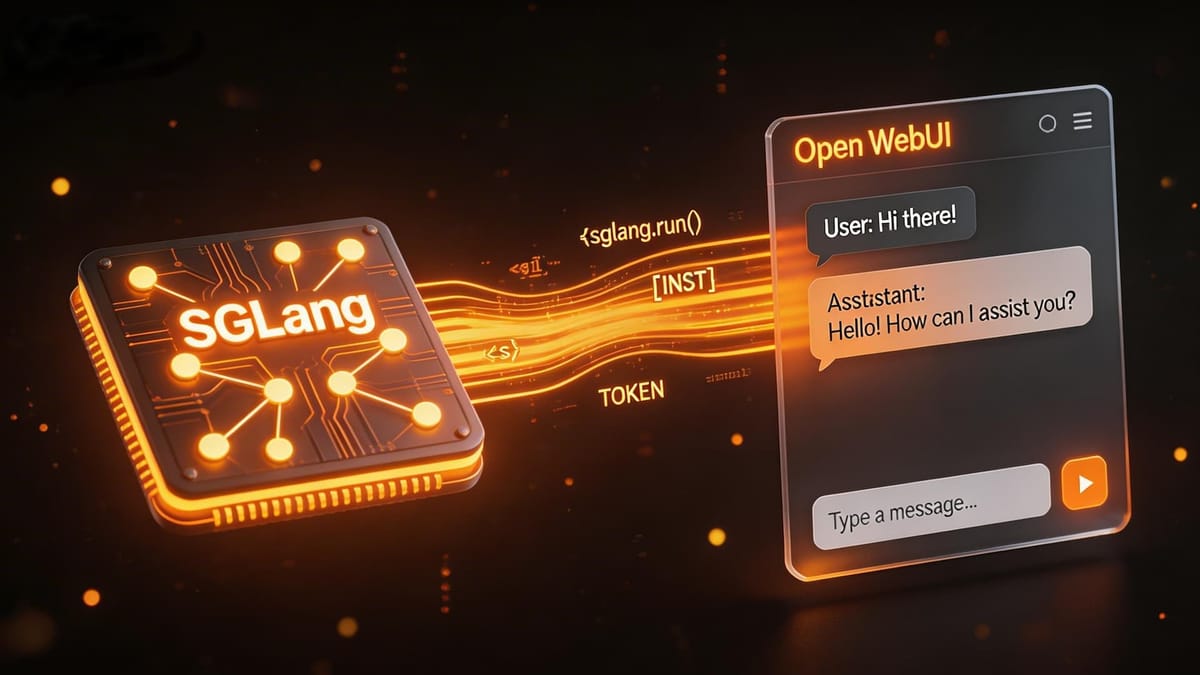
需要提前安装好Docker。
将下方内容保存为compose.yaml
services:
  sglang:
    image: lmsysorg/sglang:latest-runtime
    container_name: sglang
    ports:
      - 30000:30000
    shm_size: 32g
    volumes:
      - ~/.cache/huggingface:/root/.cache/huggingface
      - ~/.cache/modelscope:/root/.cache/modelscope
    environment:
      - SGLANG_USE_MODELSCOPE=True
    deploy:
      resources:
        reservations:
          devices:
            - driver: nvidia
              count: all
              capabilities: [gpu]
    command: python3 -m sglang.launch_server --model-path Qwen/Qwen3.5-4B --host 0.0.0.0 --port 30000 --trust-remote-code --reasoning-parser qwen3 --tool-call-parser qwen3_coder

  open-webui:
    image: ghcr.io/open-webui/open-webui:${WEBUI_DOCKER_TAG-main}
    container_name: open-webui
    volumes:
      - open-webui:/app/backend/data
    ports:
      - ${OPEN_WEBUI_PORT-3001}:8080
    environment:
      - ENABLE_OLLAMA_API=false
      - WEBUI_SECRET_KEY=
      - OFFLINE_MODE=True
    extra_hosts:
      - host.docker.internal:host-gateway
    restart: unless-stopped
    depends_on:
      - sglang

volumes:
  open-webui: {}
然后执行:
docker compose up待服务拉起后,访问WebUI: http://localhost:3001
在管理员配置中,找到OpenAI 接口连接,填入以下地址: